
Start step 1 here
A failed render costs you nothing.
Add a photo, pick a length, then press Generate.
How to make Bulin 47 AI video: what you need
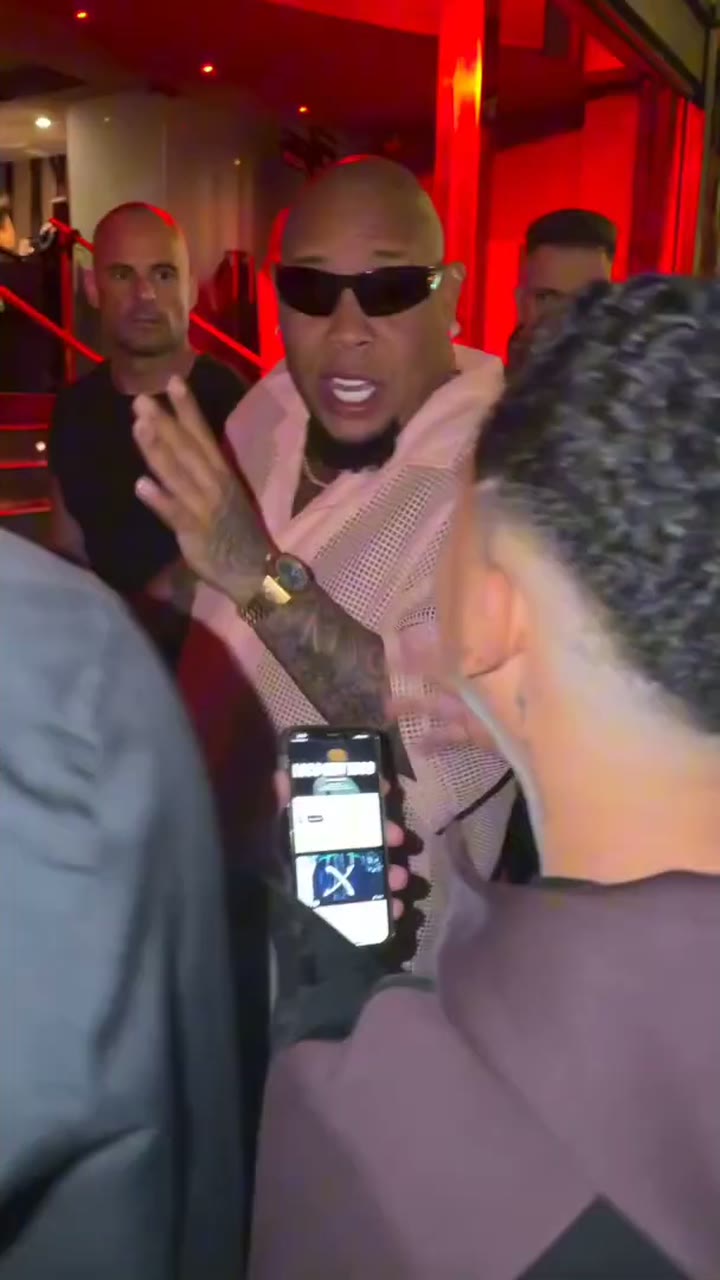
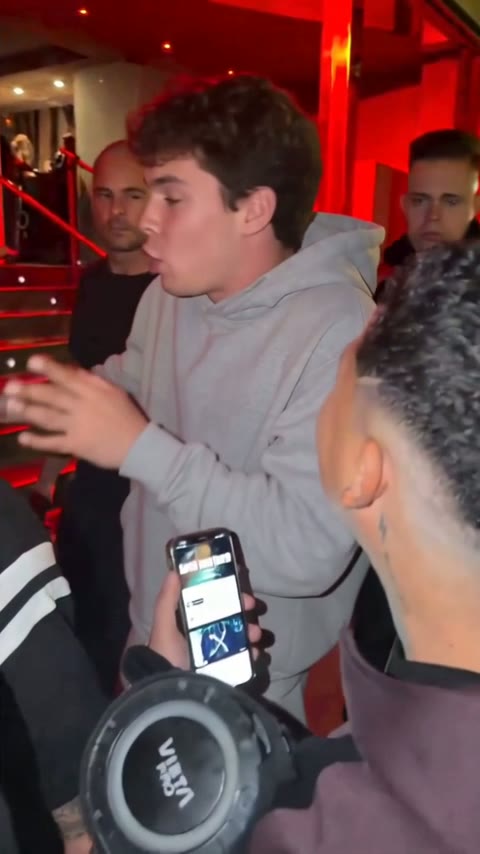
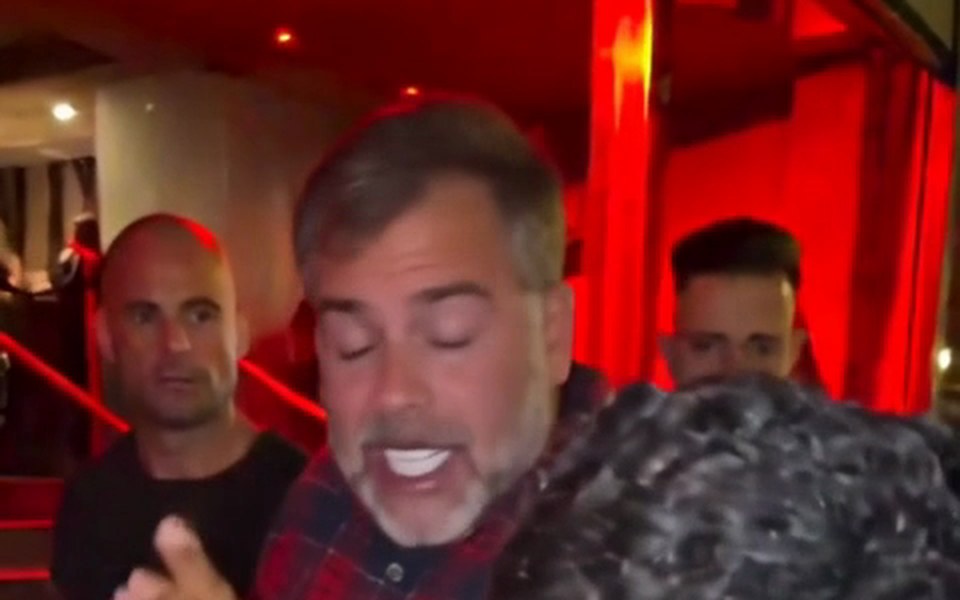
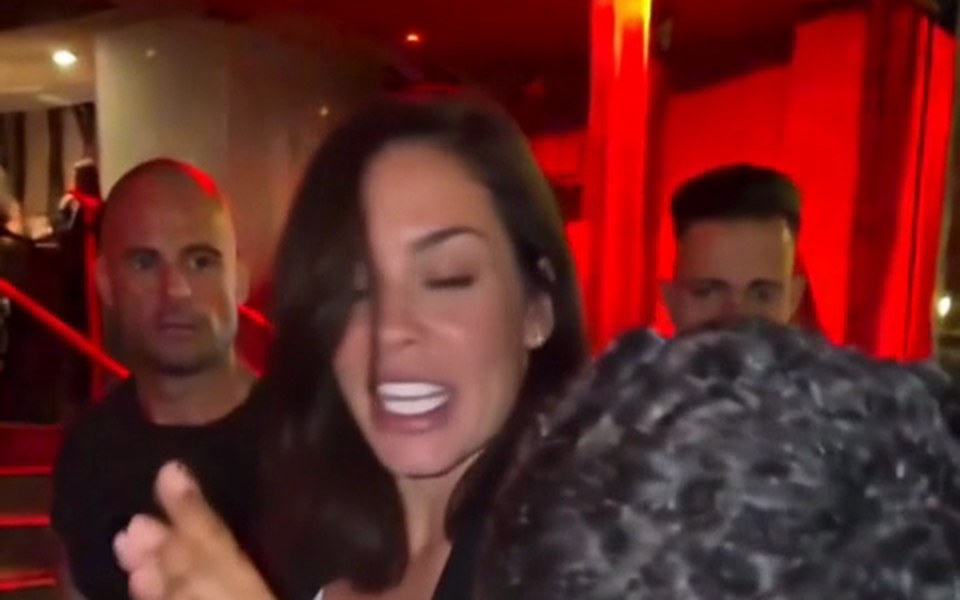
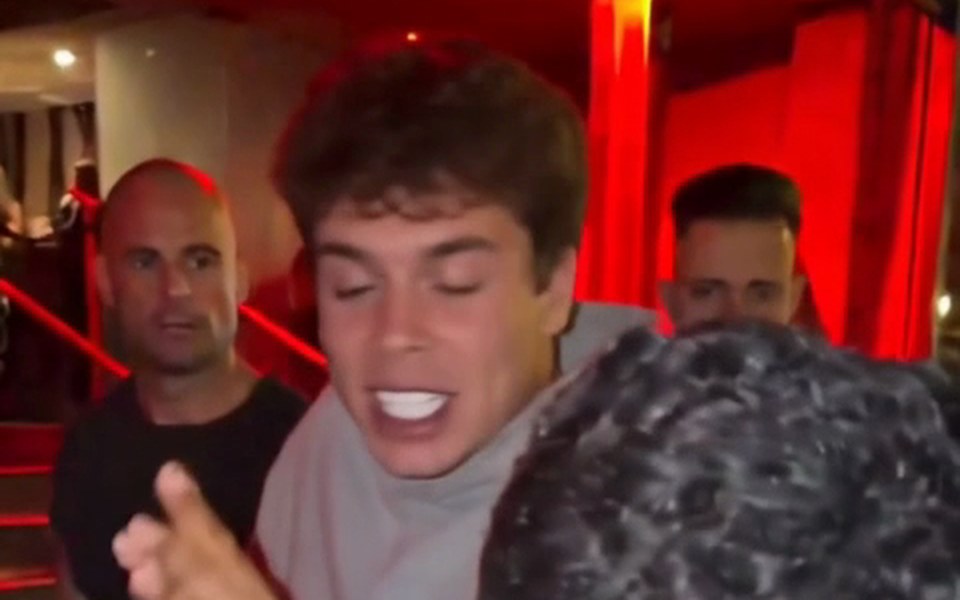
To work out how to make Bulin 47 AI video clips, start with the shopping list: an account, one photo and any browser. On Bulin 47 AI video the original freestyle is already loaded, so you never download, trim or sync the clip yourself. The AI edits that footage directly: the rapper becomes the person in your photo, while Kevin Wai with his speaker and phone, the crowd at the red-lit entrance and the handheld camera stay as they were. Moves, head turns, gestures and mouth timing follow the original, and the finished file plays with the original sound.
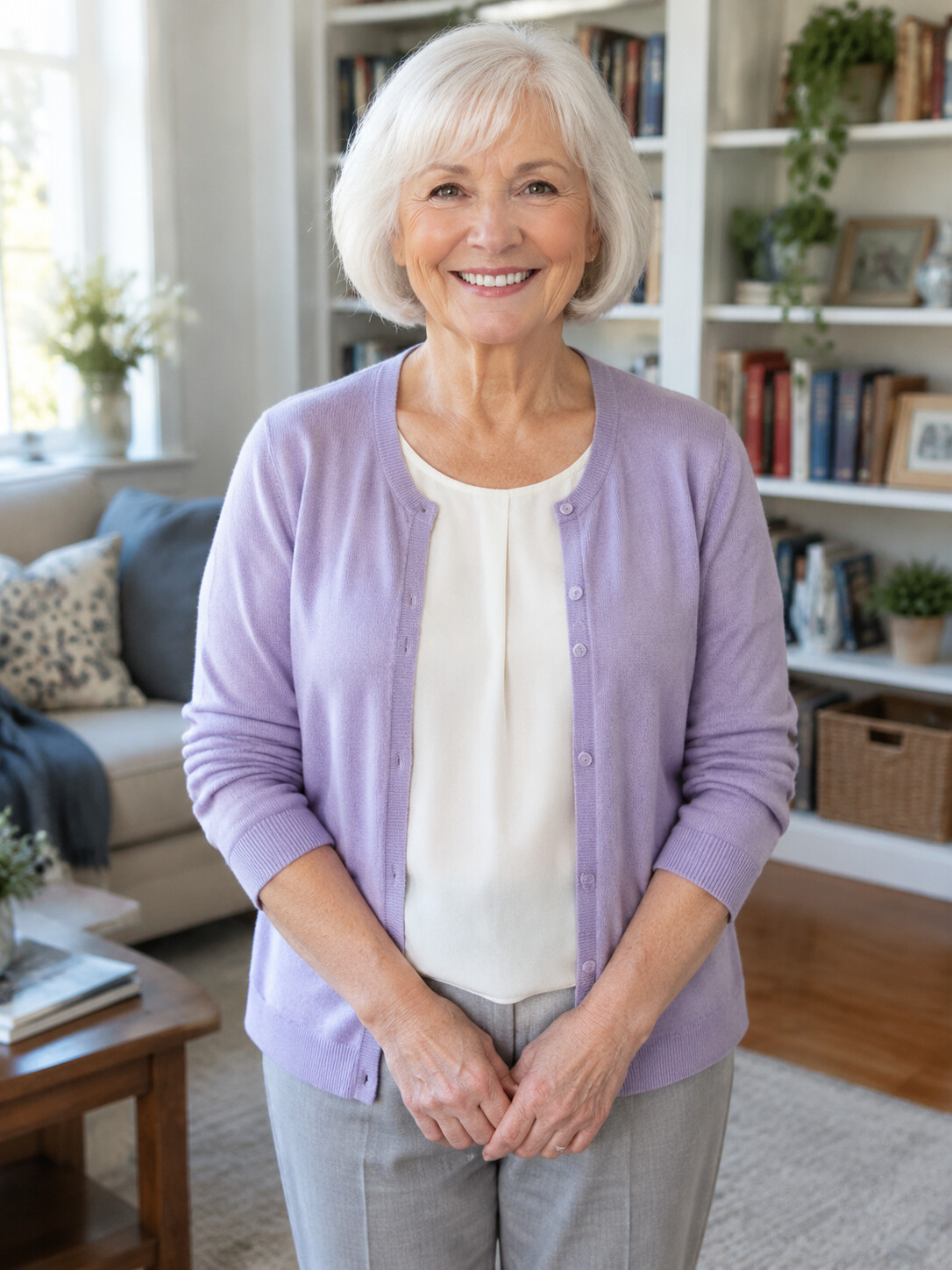
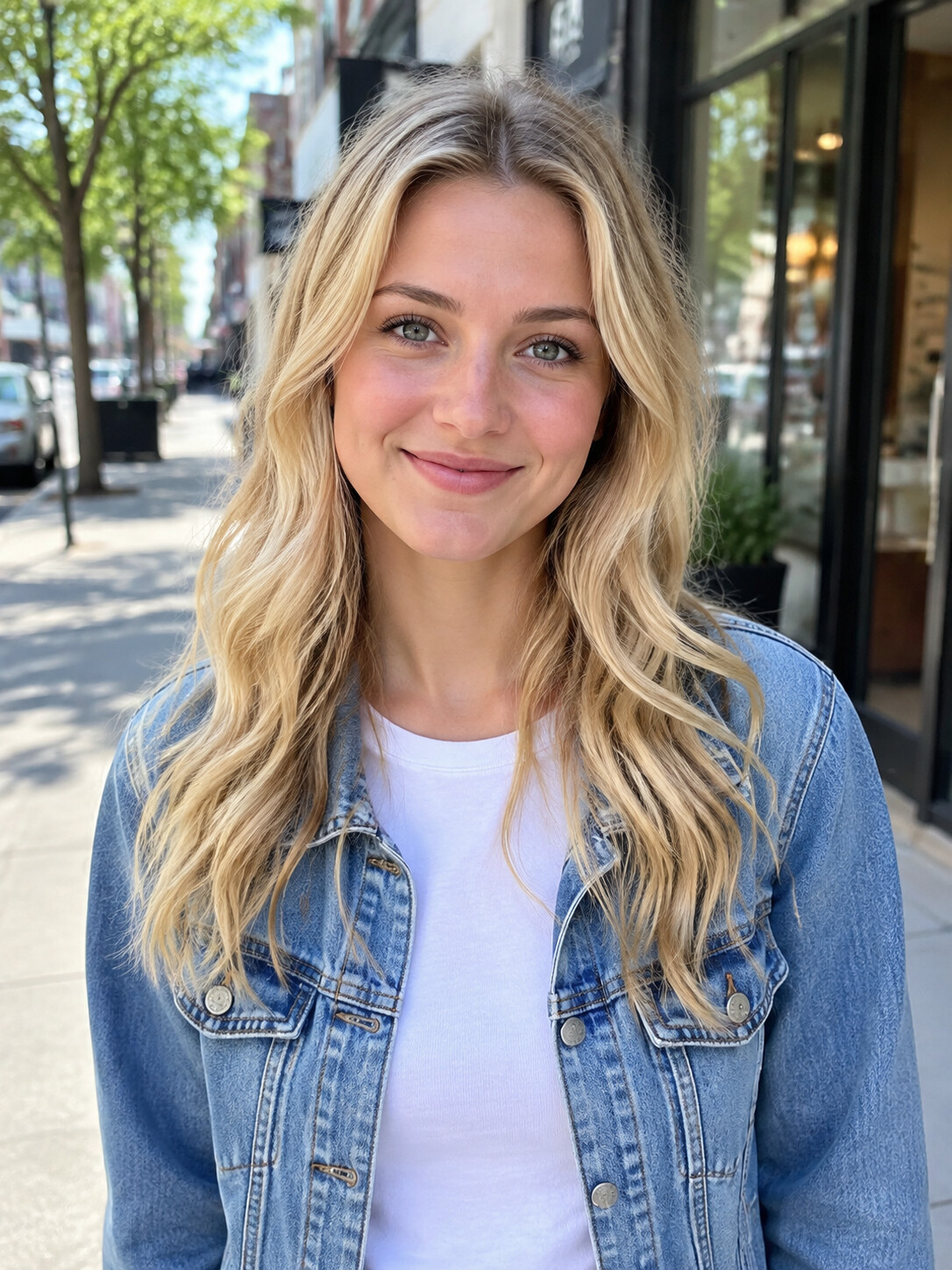
- A photo of one personFace clearly visible and well lit; half body with both hands in view is ideal.
- Their consentYour own picture or a friend who agreed. Celebrities and public figures are rejected.
- A browser, not an appPhone or desktop both work, and you can close the tab while the video renders.
- No prompt, no editingClip, scene and sound are fixed, so there is nothing to describe. If you wonder what prompt tools ask for, the Bulin 47 prompt guide covers it.
Bulin 47 tutorial: the three steps in detail
This Bulin 47 tutorial gives every step with the one decision that matters most. Want the background first? The Bulin 47 AI trend page explains where the remix wave came from.
Step 1: upload a photo that holds up
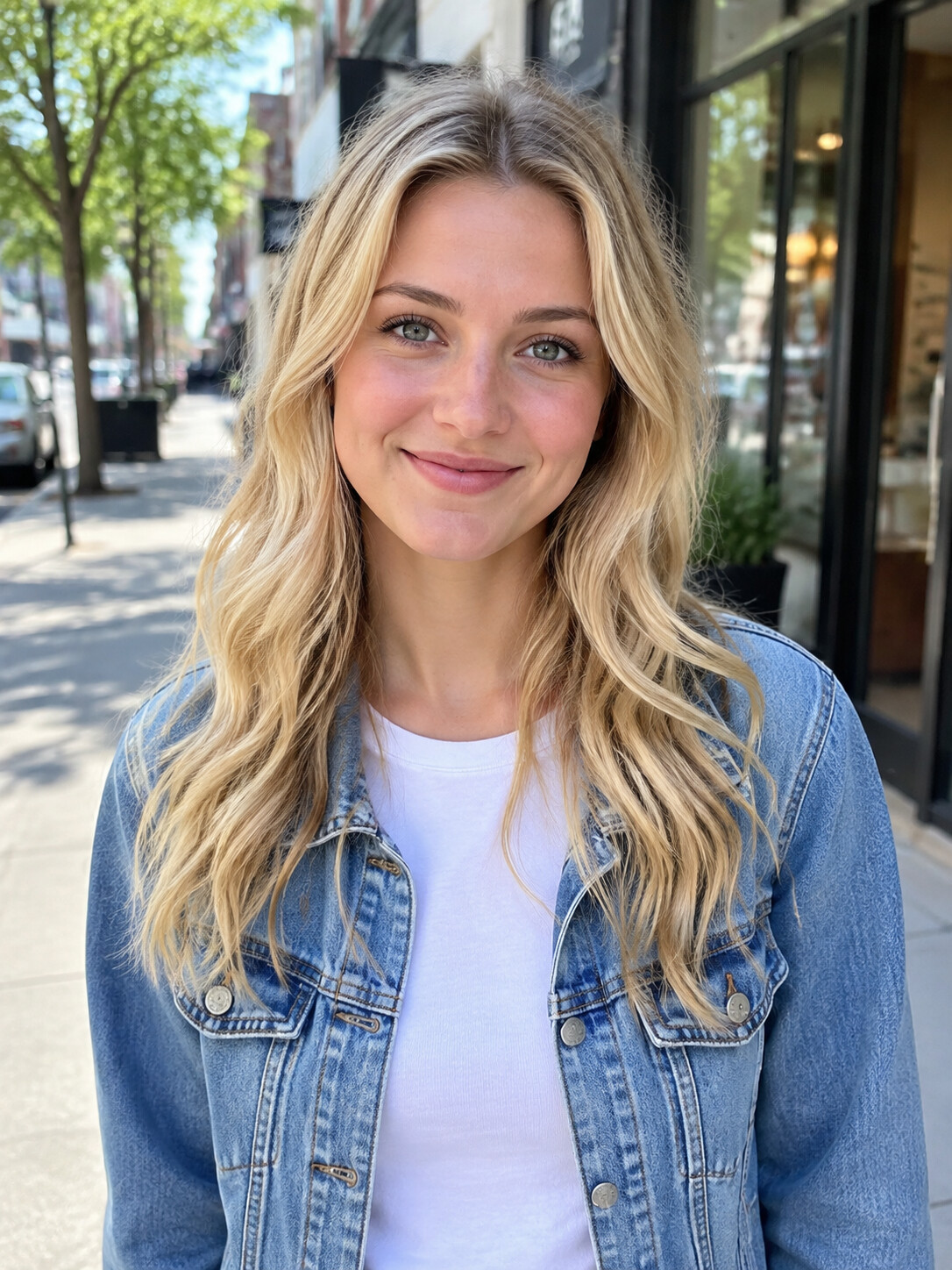
Pick a picture of one person, face toward the camera and evenly lit. Head-to-waist framing with both hands visible works best, because the AI takes your hands and wrists from the photo and the rapper uses them constantly. Crop out anyone else, and skip sunglasses or strong filters, since whatever is in the photo carries into the video. The photo tips further down show what that looks like.
Step 2: choose the length and quality
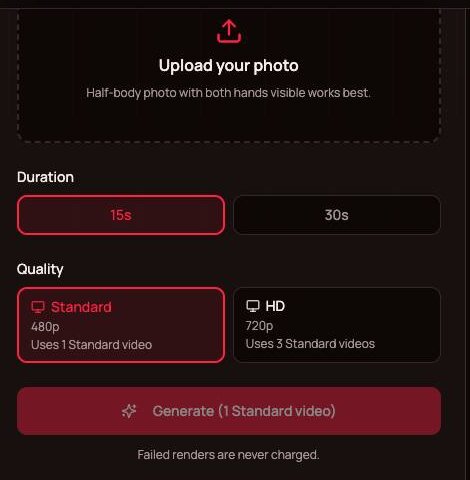
Five seconds gives a short clip of the opening moment. Fifteen seconds starts as Bulin 47 turns to the camera and covers the best-known part. Thirty seconds plays almost the whole freestyle. Standard 480p is made for phones and HD 720p is sharper on bigger screens; the 5-second clip is Standard only. Then press Generate.
Step 3: review, download and post
Rendering takes about 5 to 10 minutes, and you can leave the page meanwhile. Watch the whole result: the face through each head turn, the hands during the gestures, the mouth against the sound. If something looks wrong, a clearer photo usually fixes it, and failed or filtered renders are never charged. Save the MP4 and post it.
Which length and quality to pick
Three lengths, two qualities, one vertical 9:16 MP4 with the original audio. Longer and sharper videos use more of your plan; Bulin 47 AI Video pricing lists the plans and credit packs.
5 seconds, Standard
A quick clip of the opening moment for 35 credits. Handy as a reaction in a chat.
15 seconds, Standard or HD
The cut most people post. In Standard it counts as one video from your plan; in HD it uses 3.
30 seconds, Standard or HD
Nearly the whole freestyle. It uses 3 Standard videos, or 6 in HD.
Photo tips
Step 1 up close: which photo should you use?
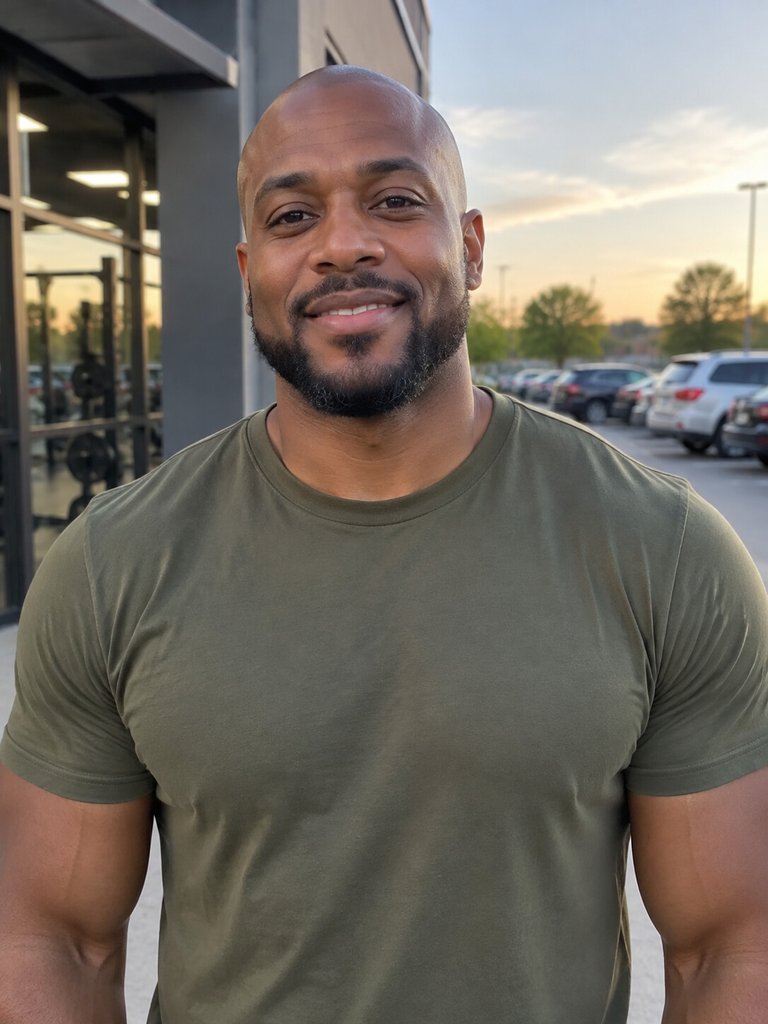
Most results are settled before you press Generate. Hold your picture up against these seven examples.
Works best
Head to waist, both hands
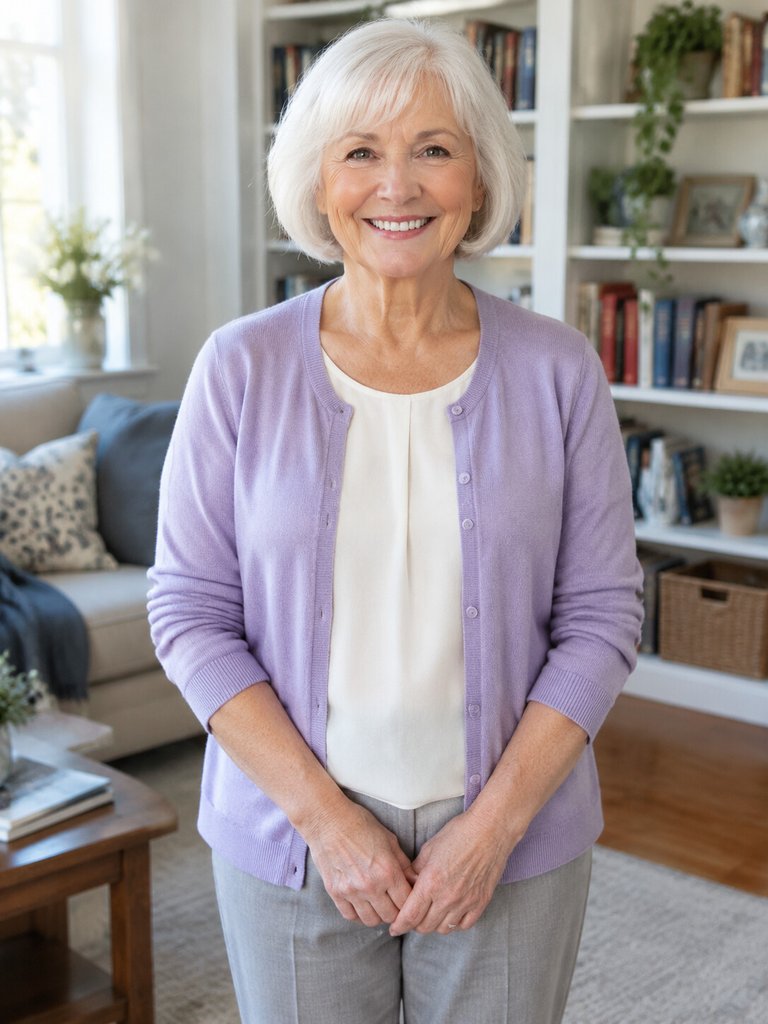
Your hands and wrists come from the picture, so showing them gives the gestures something real to copy.
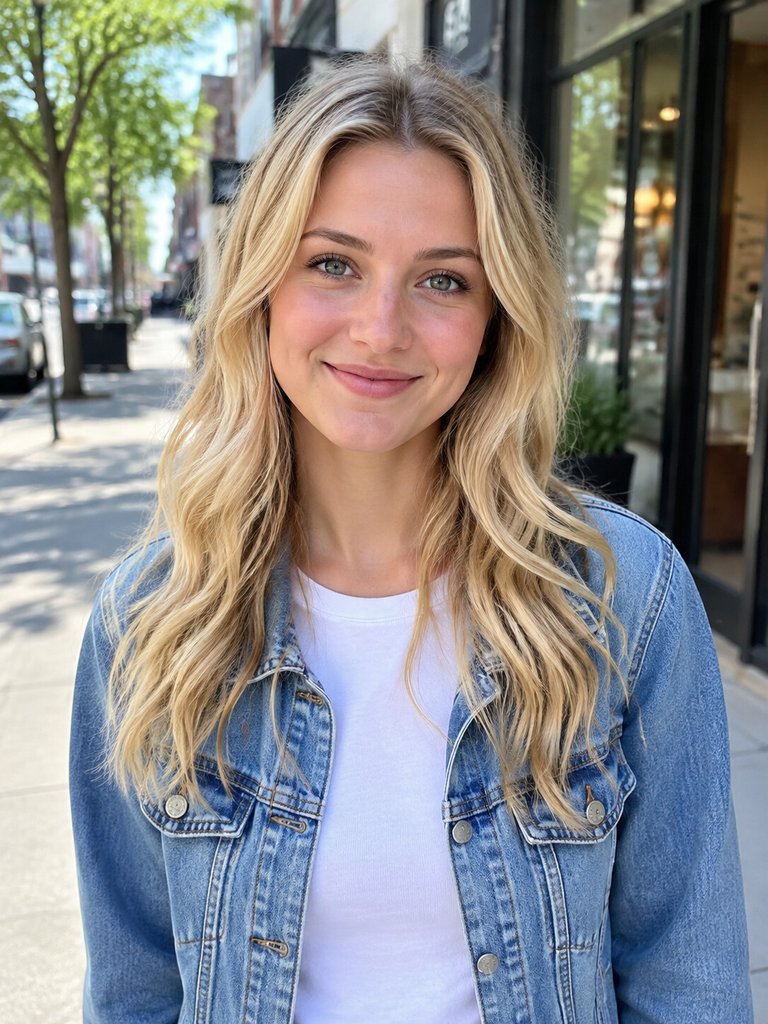
Soft, even light
Without harsh shadows the likeness holds when the head turns.
Just you, facing forward
A single subject looking ahead leaves no doubt about who takes the rapper's place.
Avoid
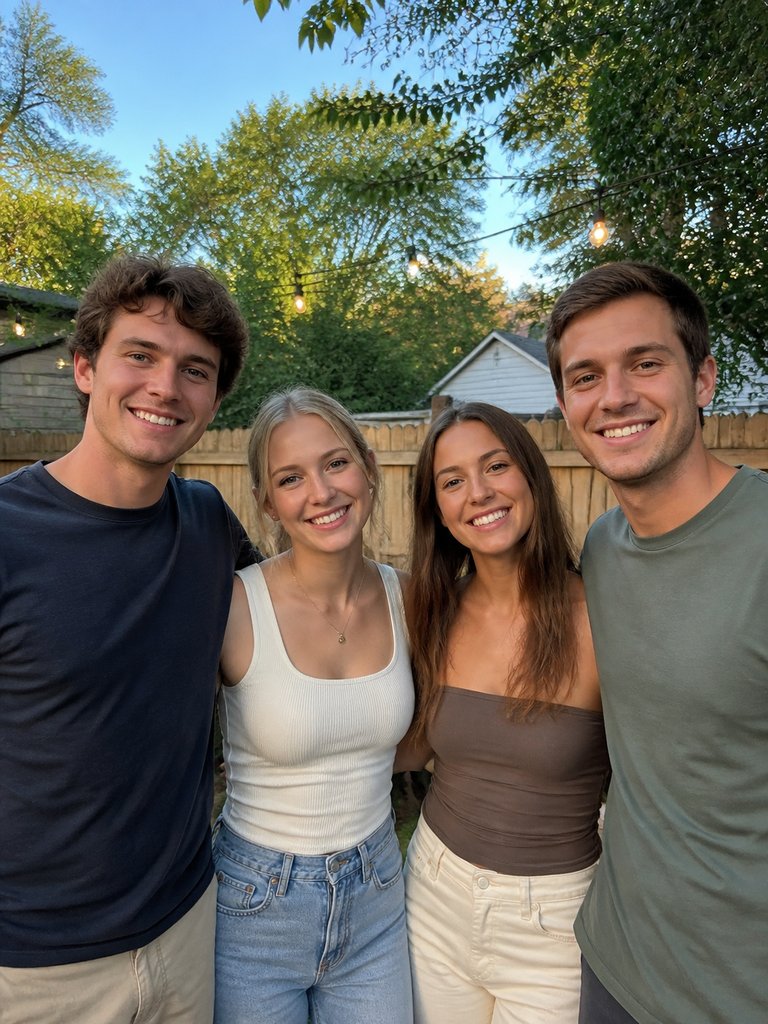
Several people in one shot
The AI has to guess which face to use, and it may pick the wrong friend.
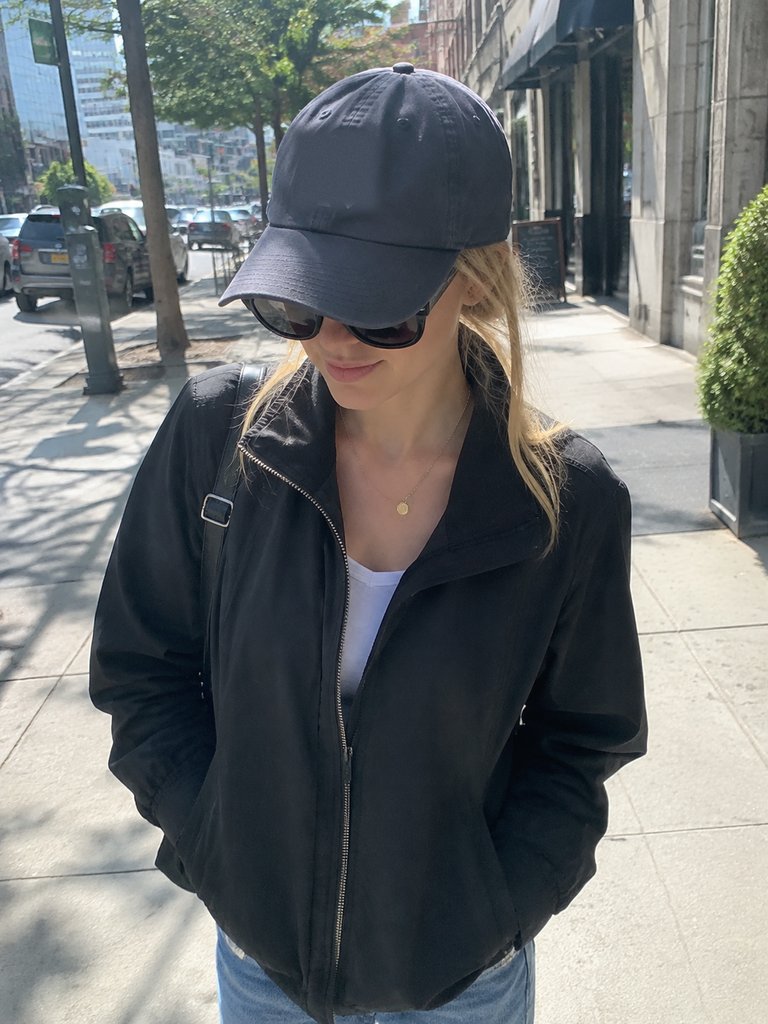
Shades and a cap brim
Hidden eyes and a shadowed forehead make the face unstable in motion.
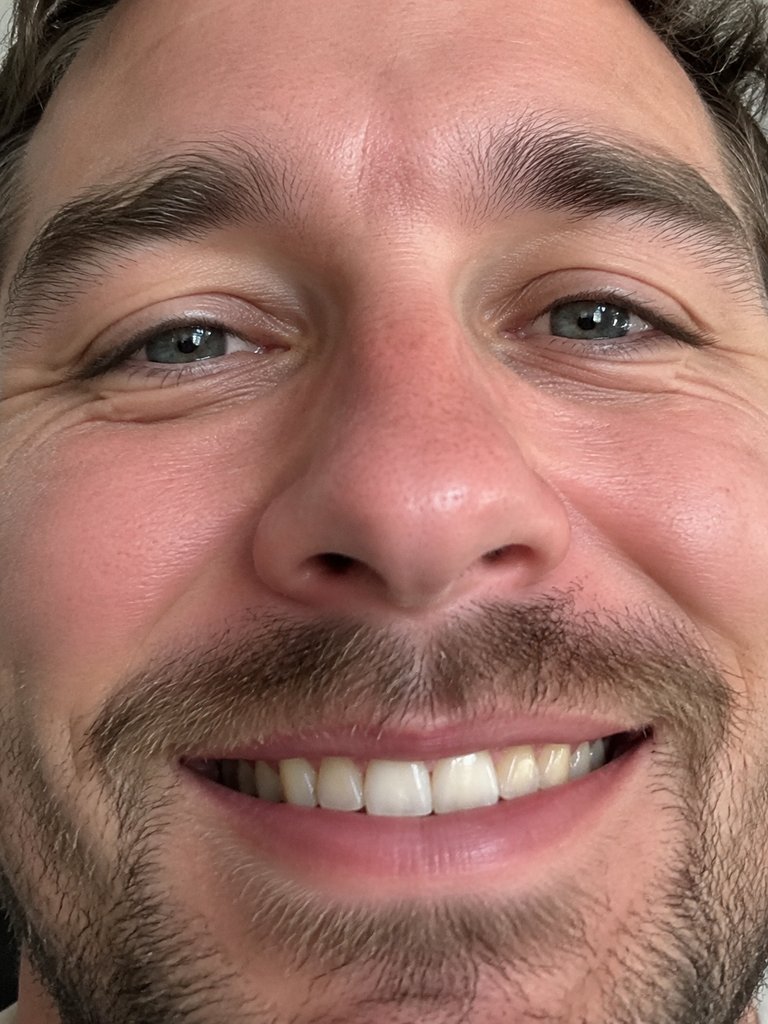
A crop that is too tight
When only the face shows, your clothes and hands have to be invented.
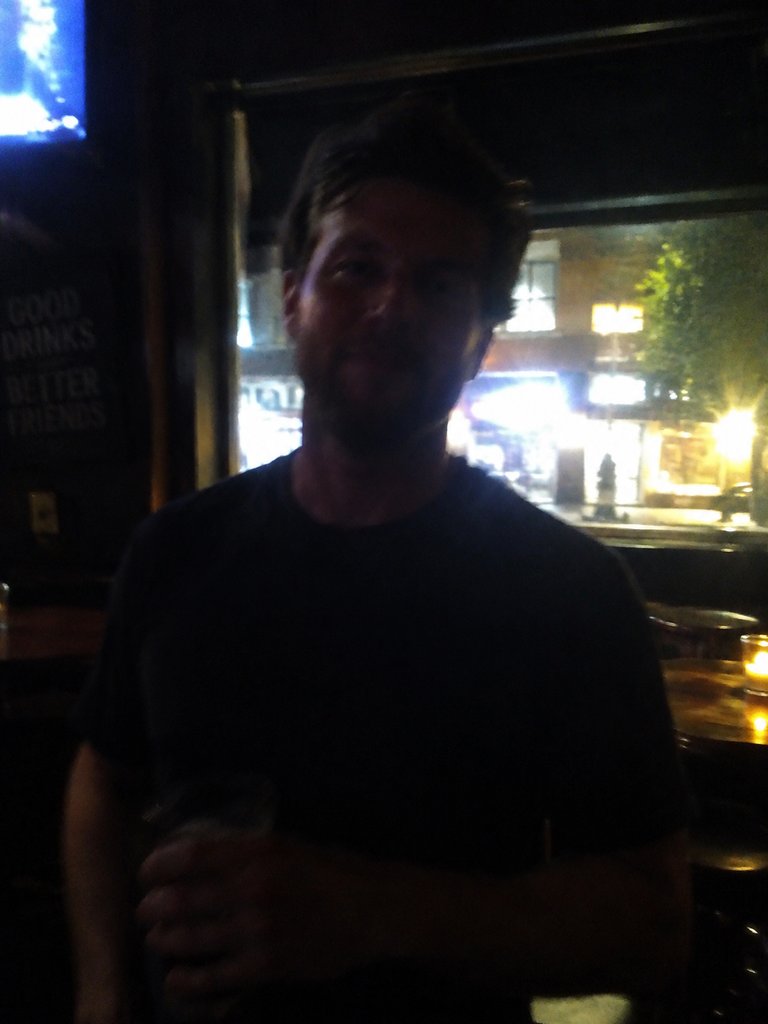
Dark or out of focus
Low light, a bright window behind you or camera shake leave too little detail to work with.
Posting tips after you download
The file fits every short-video app without cropping. It also behaves like a ready-made Bulin 47 template, so there is nothing left to edit before you post.
TikTok
Upload the MP4 unchanged, name the trend in the caption so searchers find it, and label it as AI-generated.
Instagram Reels
Same file, no crop. Add the AI disclosure the app offers for realistic edits.
YouTube Shorts
Vertical and short enough as it is; disclose realistic AI content in the upload settings.
Group chats
Plenty of versions never go public. Send the MP4 straight to the chat and wait.
Tag with care
If you used a friend's photo, ask before tagging them in a public post.
Write your own caption
Say who is rapping instead of quoting the freestyle; one short line beats a paragraph.
Related guides
Answers to the questions people ask right before step 1.
How to make Bulin 47 AI video: FAQ
How to make Bulin 47 AI video on a phone?
Use your phone's browser; no app is involved. Sign in, pick a photo from your camera roll, choose the length and quality, and press Generate. When the render finishes about 5 to 10 minutes later, save the vertical MP4 and post it to TikTok, Reels or Shorts, or drop it in a chat.
How to make Bulin 47 AI video for free?
There is no free way, since every video is a paid render and the site has no trial or free credits. You can still prepare at no cost: watch the samples, study the second-by-second beats and check your photo against the tips. Failed renders are never charged; the Bulin 47 AI free page has the details.
Do I have to write a prompt?
No. The scene, the camera movement and the sound are fixed, so your only inputs are the photo, the length and the quality. Prompt-based tools ask you to describe the scene in words, which is why their results can drift from the original crowd, framing and moves.
How long does it take to render?
About 5 to 10 minutes per video, from pressing Generate to a downloadable MP4. You can close the tab or lock your phone in the meantime and come back for the file. If the render fails or the photo is filtered, the credits return to your balance.
Should I choose 5, 15 or 30 seconds?
Choose 15 seconds if unsure: it begins as the rapper turns to the camera and holds the part everyone recognises. Pick 5 seconds for a short clip of the opening moment, or 30 for almost the whole freestyle. Thirty seconds and HD both use more of your plan than a 15-second Standard video.
Why doesn't the face look like me?
Almost always because of the photo. Shadows, a turned head, sunglasses, a cap, hair over the face or a tight crop all make the likeness harder to keep through the head turns. Retake a front-facing, evenly lit, half-body picture with both hands showing and generate again; failed or filtered renders are never charged.
Can I use a pet or a cartoon?
Pets and cartoon characters may work, but results vary and people work best. If you try, use one clear, front-facing image with the face well lit. Photos of celebrities and public figures are rejected, so stick to yourself, friends who agreed, or your own animal.
Is this the official Bulin 47 video?
No. Bulin 47 AI Video is an independent fan-made tool, not affiliated with Bulin 47, Kevin Wai or their labels. The original is the freestyle Kevin Wai filmed outside a Madrid restaurant on 2 October 2026. "Dame Hombro", the official song the two released on 8 October, is a separate track; these videos use the freestyle's sound.
Now you know how to make Bulin 47 AI video
Pick the photo, choose the cut, and your vertical clip with the original sound is ready in about 5 to 10 minutes.