
Replace the whole rapper, not just the face
A failed render costs you nothing.

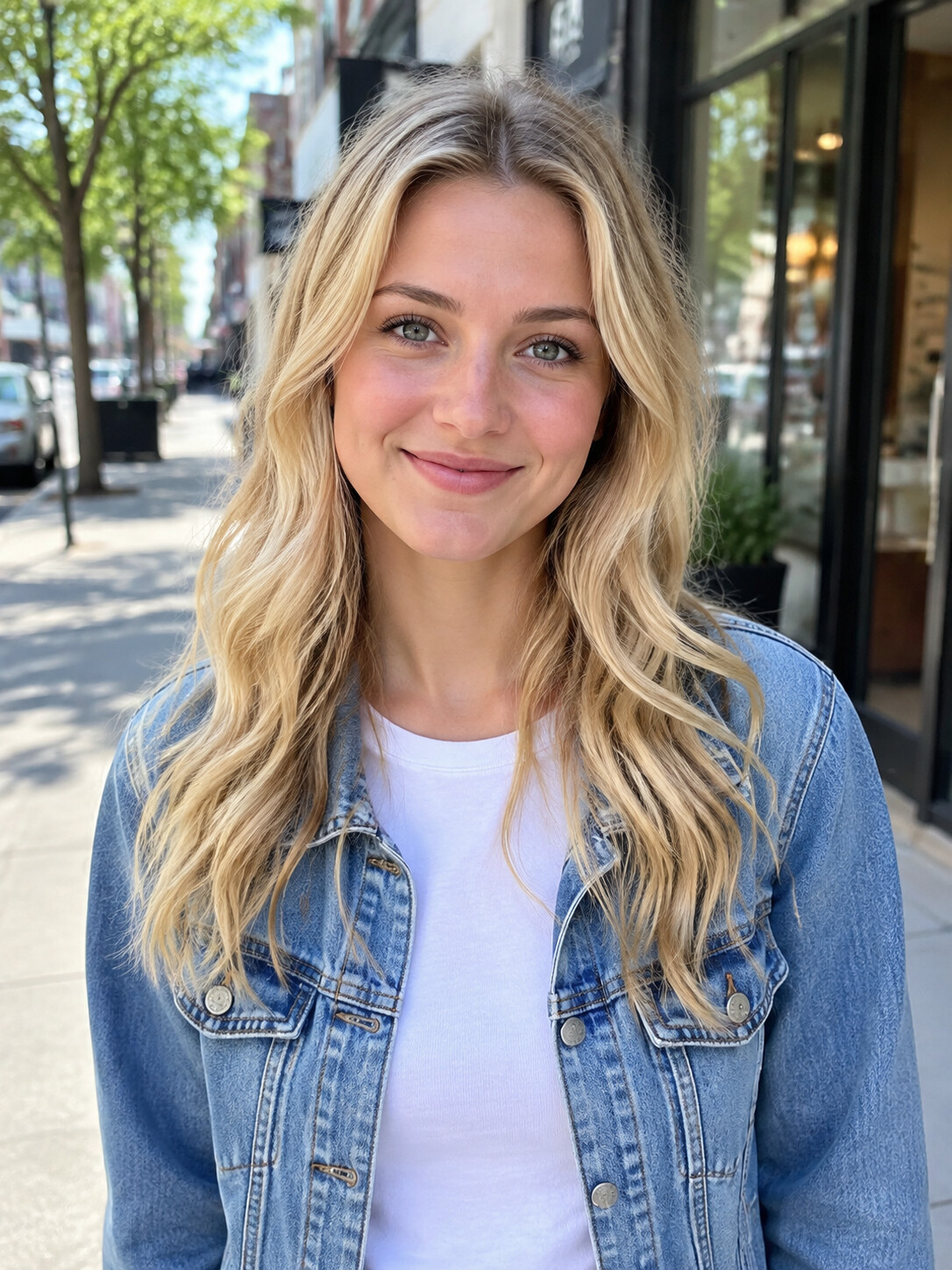
Add a photo, pick a length, then press Generate.
How a Bulin 47 CapCut template works
A Bulin 47 CapCut template is a pre-built edit of the viral freestyle with a slot where your picture goes. You open it in CapCut, add a photo, and the template lays your face, or a cut-out of you, over the rapper. Template creators each build their own version, so quality varies from one to the next. If you want the whole rapper replaced rather than a face on top, a Bulin 47 AI video edits the original footage itself.
- Made by template creatorsEach template comes from an individual creator, not from CapCut or the artist, so two templates for the same clip can look quite different. Our Bulin 47 template page explains the ready-made idea in more depth.
- A face overlay or a cut-outMost Bulin 47 CapCut templates paste a face onto the rapper or drop in a cut-out of you. The original body, clothes and hands usually remain as they were in the clip.
- Edited inside CapCutYou work in CapCut itself, so captions, stickers and extra cuts sit in the same place. For anyone who already edits there, that is a real convenience.
Bulin 47 CapCut template or AI replacement: which to pick
Both routes end in a clip you can post, yet a Bulin 47 CapCut template and an AI replacement change different things: one swaps a face, the other swaps the person. Comparing general AI platforms as well? Higgsfield Bulin 47 covers that side.
Pick a CapCut template for quick edits
If a face-on-body joke is enough and you want to stack your own text and effects in the same app, a CapCut template fits well. It also suits anyone who has CapCut open for other videos anyway.
Pick the AI route for the whole person
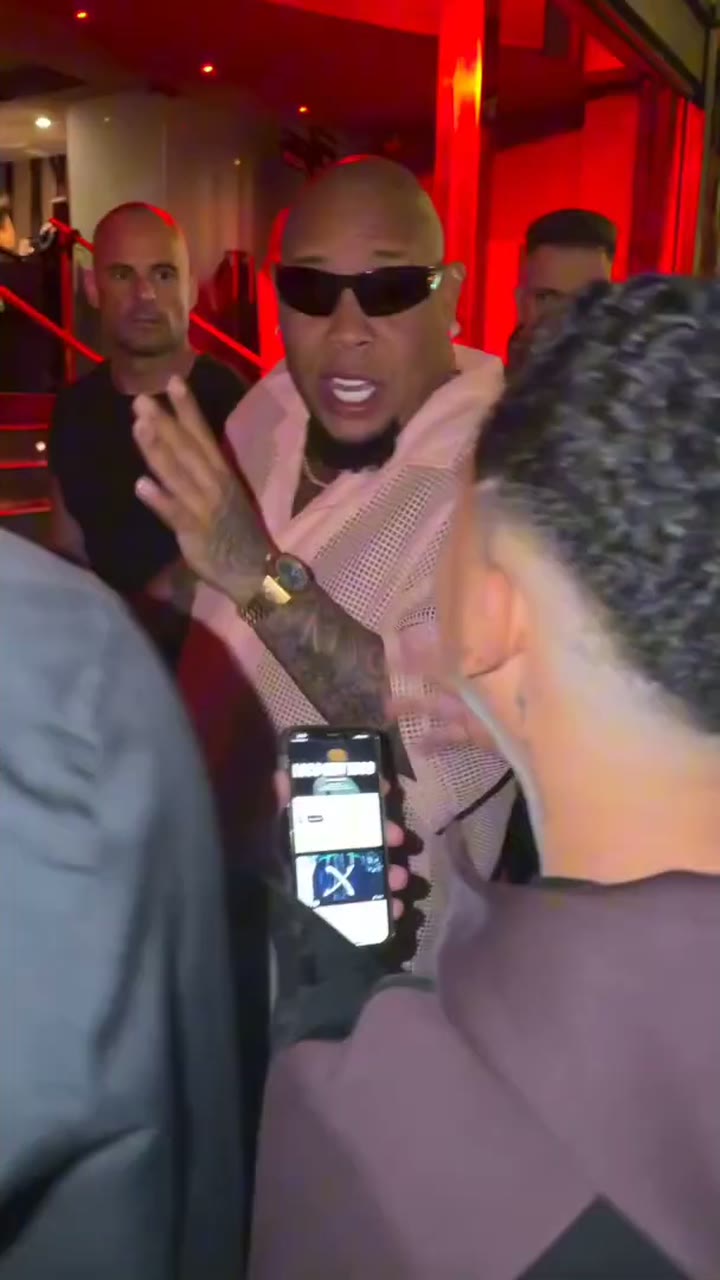
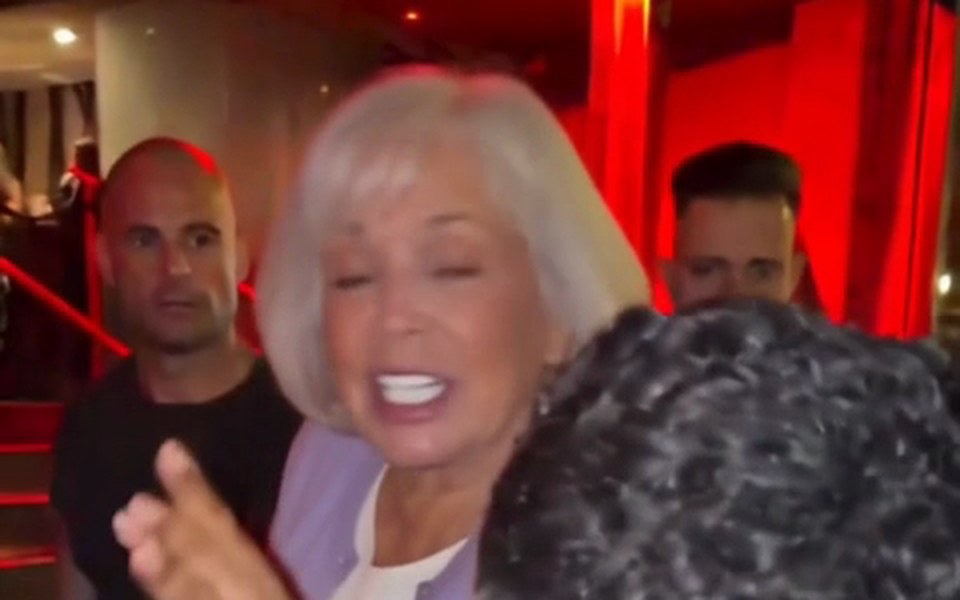
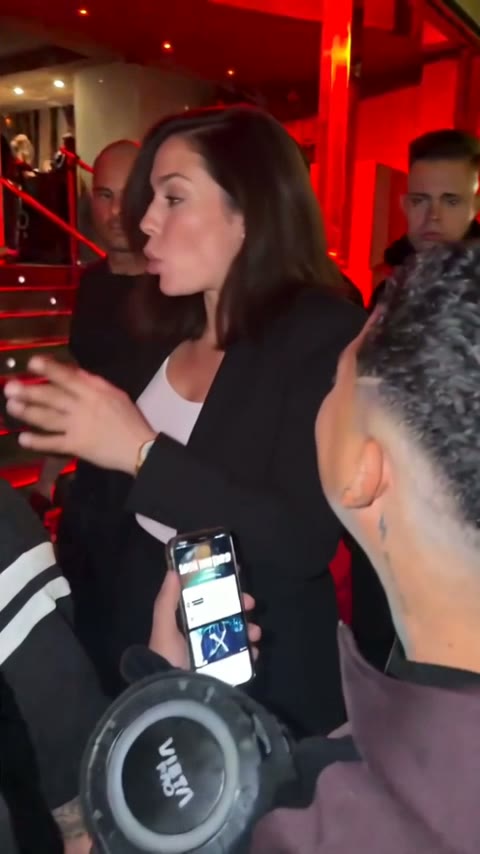
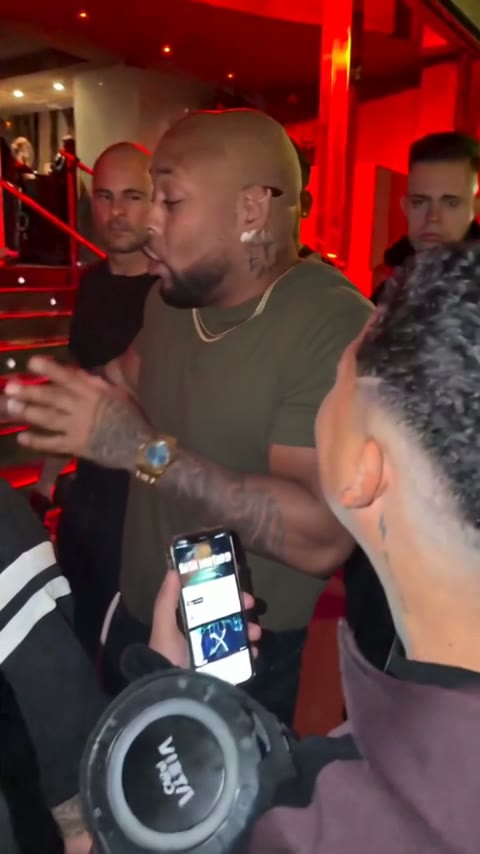
When you want to look as if you really stood outside that Madrid restaurant, the AI route is the one. You appear as you are in your photo, down to your hands and wrists, while Kevin Wai, the crowd and the red-lit entrance stay as filmed.
Or combine them
Nothing stops you from using both: make the full-person video here, download it, then open it in CapCut to add captions or stickers before posting.
The full-person version in three steps
Compared with a Bulin 47 CapCut template, there is no template hunting and no editing timeline. If your whole workflow happens on a phone, see Bulin 47 AI app for the browser route from start to finish.
Upload your picture
Pick a photo of just you, face clear and evenly lit. Framing from the waist up with both hands visible helps the AI match your hands too. A friend works if they agreed.
Choose how long and how sharp
Go with 5, 15 or 30 seconds. The 15- and 30-second versions come in Standard 480p or HD 720p; the 5-second clip is Standard only.
Download and post
In about 5 to 10 minutes the vertical MP4 is ready with the freestyle audio. Post it as it is, or bring it into CapCut for captions.
Bulin 47 CapCut vs a full AI swap, point by point
Six things that change between the two routes. Curious about prompt tools as a third option? The Bulin 47 Dreamina page compares them fairly.
Who gets replaced
A Bulin 47 CapCut template typically covers the face or adds a cut-out. Here the AI turns the whole rapper into the person in your photo, so body and hands match the face.
Moves that follow the original
Your version copies the head turns, hand gestures and mouth timing of the freestyle, because the AI edits the real footage instead of layering something on top of it.
The scene around you
Kevin Wai raising the speaker and phone, the people pushing in, the red light over the doorway and the shaky handheld camera all stay as they appear in the original.
Sound in every video
The freestyle audio is part of every render here. With a Bulin 47 CapCut template, whether the sound is included depends on how its creator built it.
Room for your own edits
A CapCut template lives where your editing tools are. Our result is a plain MP4, so captions, stickers and trims come afterwards in whichever editor you like, CapCut included.
Paid videos, failed renders refunded
Every video here is paid and there is no free trial, but a render that fails or gets filtered puts the credits back. What you can check before paying is listed on Bulin 47 AI free.
Related guides
More on templates, phones and AI platforms.
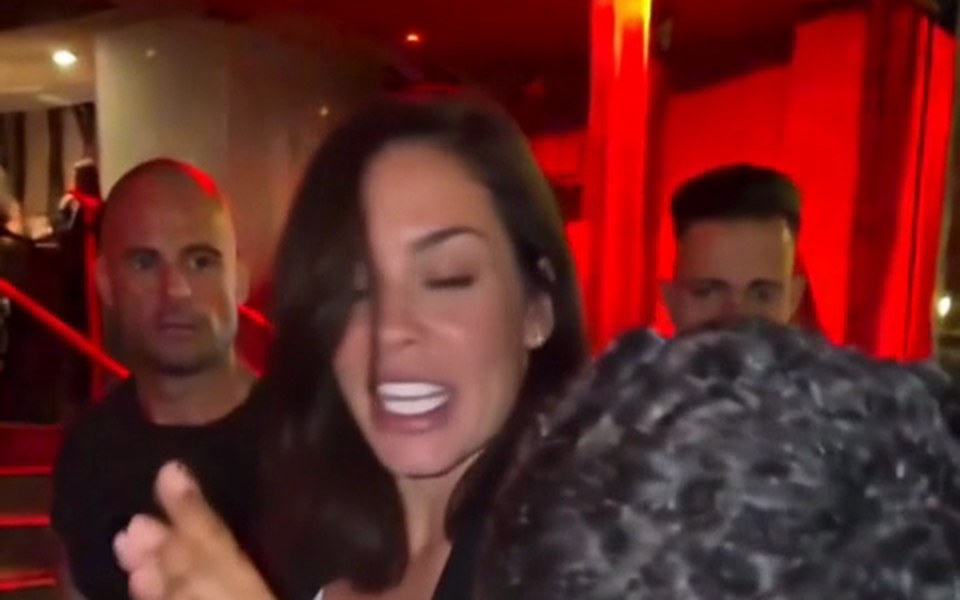
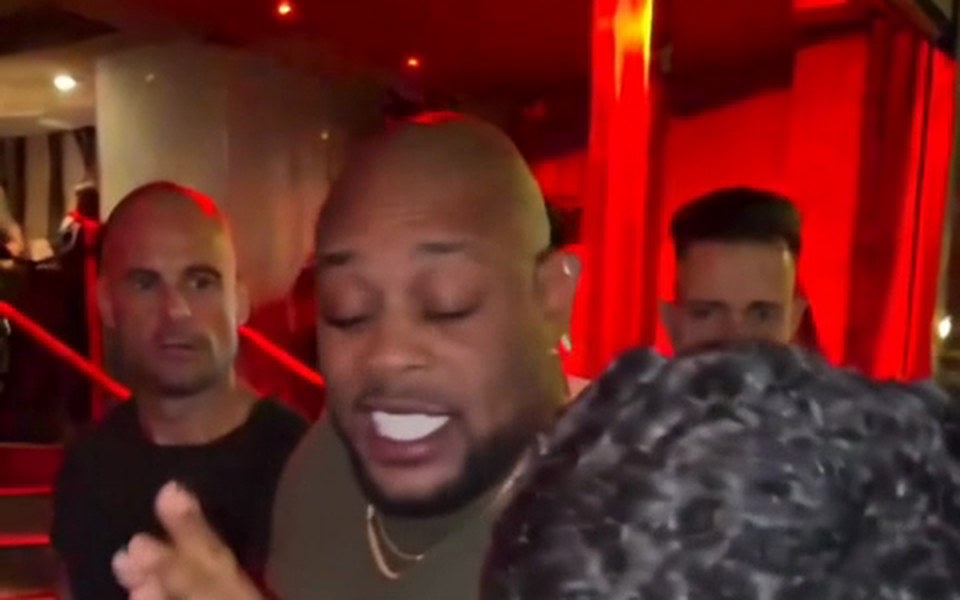
Bulin 47 CapCut template and Bulin 47 AI Video compared
A fair summary. Each Bulin 47 CapCut template depends on the creator who made it, so preview it before you rely on it. Plans for our side are on Bulin 47 AI Video pricing.
| Bulin 47 AI Videowhole rapper replaced | CapCut templatebuilt by template creators | |
|---|---|---|
| What changes | The entire rapper | Usually a face or a cut-out |
| Your body and hands in the shot | Usually the original body | |
| Freestyle audio | In every video | Depends on the template |
| Lengths | 5, 15 or 30 seconds | Set by the template |
| Output | Vertical 9:16 MP4 | Set by the template |
| Captions and stickers | Add later in any editor | |
| App needed | CapCut | |
| Before paying | Sample videos to watch | See CapCut |
Bulin 47 CapCut questions
Where can I find a Bulin 47 CapCut template?
Bulin 47 CapCut templates are published by template creators inside CapCut, so searching the trend name there is the usual starting point. Each one is built independently, which is why it pays to preview a few. If none gives the look you want, Bulin 47 AI Video replaces the whole rapper from one photo.
Does a Bulin 47 CapCut template swap my whole body?
Usually not. Most trend templates place your face, or a cut-out of you, over the rapper while the original body and hands remain. Bulin 47 AI Video edits the original footage instead, so the whole rapper becomes the person in your photo and Kevin Wai, the crowd and the sound stay unchanged.
Can I open my result in CapCut afterwards?
Yes. You download a standard vertical MP4, so it opens in CapCut or any other editor for a caption or a sticker. The freestyle audio is already inside the file, which means you do not need to add the track again.
Is Dreamina part of CapCut?
Dreamina is CapCut's AI creative platform. It works from written prompts, publishes Bulin 47-style prompts and describes its images as illustrative rather than an exact remake. So it is a separate route from both a template and an edit of the original clip.
How long does the AI version take?
About 5 to 10 minutes per video. Any phone or desktop browser will do, with nothing to install, and you can choose 5, 15 or 30 seconds. When it is done you download a vertical MP4 that already carries the original sound.
Whose photo can I use?
Use your own face, or a friend who said yes to appearing. Keep it to one person per photo with a clear, well-lit face; a half-body shot that shows both hands works best. Celebrities and public figures get refused. Pets and cartoon characters may work, though people give the best results.
Is this an official Bulin 47 CapCut template?
No. Bulin 47 AI Video is a fan project run independently and has no affiliation with Bulin 47, Kevin Wai or the labels behind them. Nor is it a CapCut product or template; it is a separate website that edits the original freestyle with your photo.
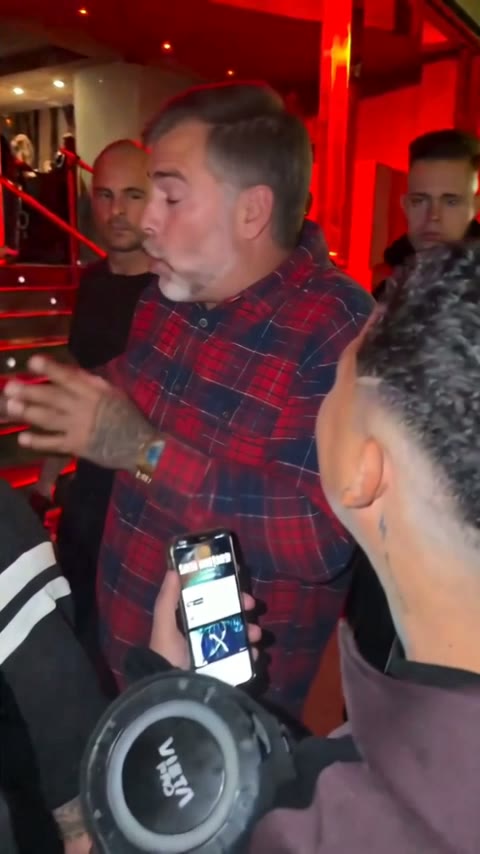
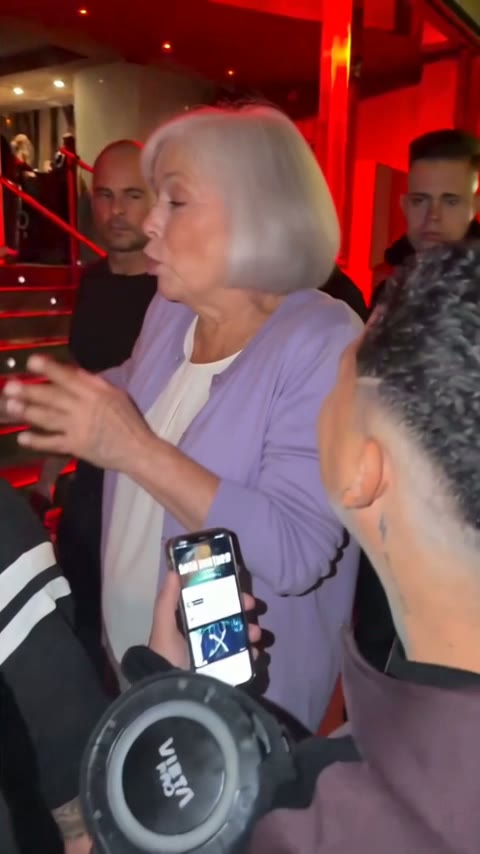
Go beyond the Bulin 47 CapCut face swap
Upload a photo and get the freestyle with you as the rapper from head to hands, original sound included. Renders that fail never cost credits.