
Higgsfield Bulin 47 Edits, Without the Setup
Higgsfield Bulin 47 videos are one of the ways the freestyle meme spread, built by creators who already work on general AI video platforms. Below you can see what that route asks of you and how Bulin 47 AI Video differs: the source footage and its audio sit ready inside the tool, and your part is a single photo.
Your Higgsfield Bulin 47 alternative starts here
A failed render costs you nothing.

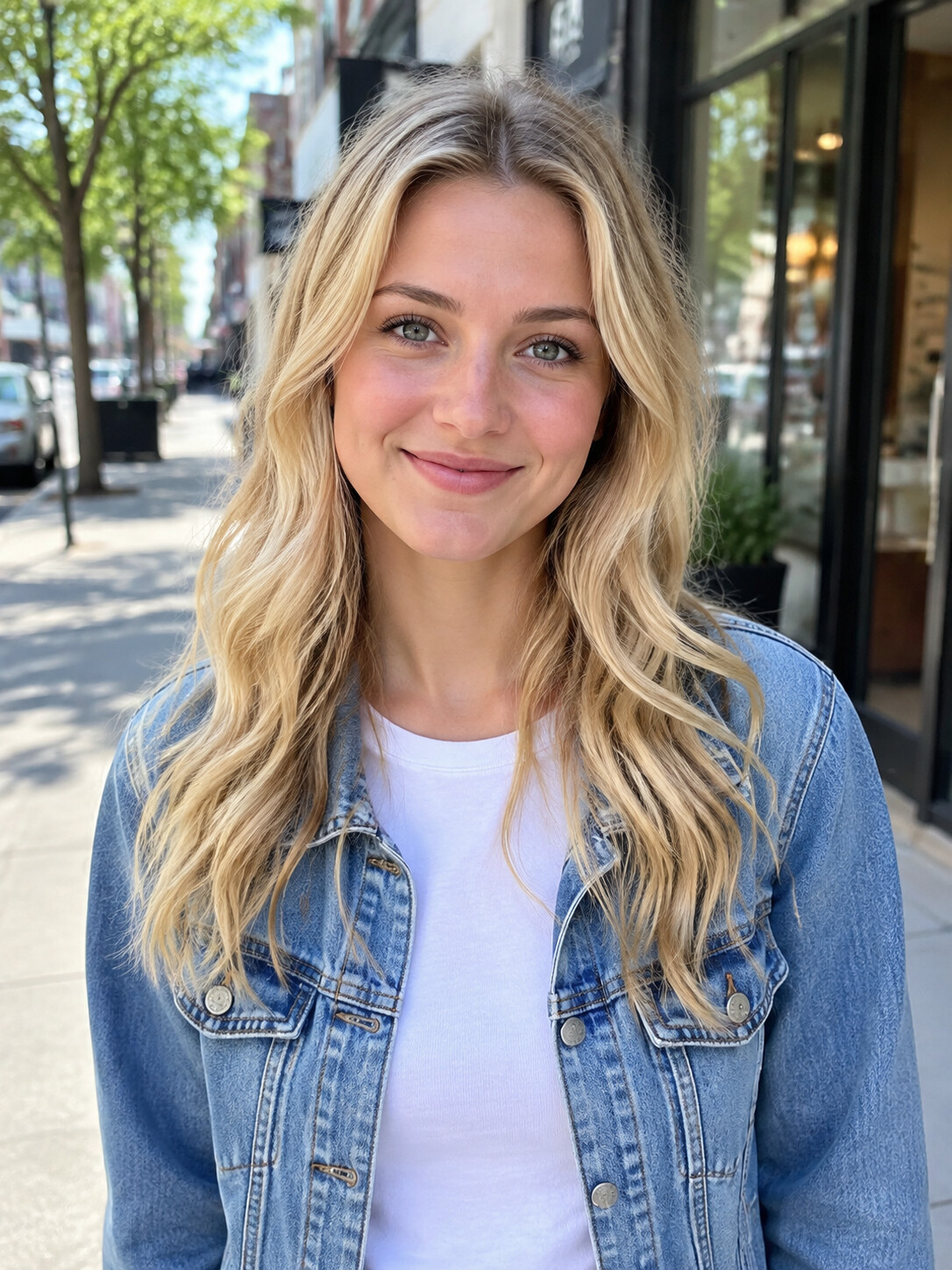
Add a photo, pick a length, then press Generate.
What a Higgsfield Bulin 47 edit involves
A Higgsfield Bulin 47 edit is a do-it-yourself project on a general AI video platform rather than a ready-made effect. You supply a reference copy of the street freestyle Kevin Wai filmed in Madrid, describe the swap in a prompt, choose one of the available models and spend credits from that platform's plan. Higgsfield is one of the tools people reached for once the remix wave began around 6 October. When you only want yourself in the clip, a Bulin 47 AI video starts from the finished scene instead.
- Find the source clipGeneral platforms do not include the Bulin 47 freestyle. You locate a copy of the 46-second original, trim the part you want and upload it as your reference.
- Describe the swap in wordsYour prompt tells the model who should take the rapper's place and what has to stay. Wording shapes what comes back, and our Bulin 47 prompt guide explains what such a text has to cover.
- Pick a model on Higgsfield AI or KlingHiggsfield AI and Kling each list several video models tied to their own credit plans, so every Higgsfield Bulin 47 edit starts with that choice. Their sites carry the current details, so we do not repeat them here.
A Higgsfield Bulin 47 shortcut with the clip preloaded
Most people who look up Higgsfield Bulin 47 want one result: their own face in the freestyle, posted the same day. Bulin 47 AI Video is made for that single clip, so the reference footage, the timing and the audio are set before you arrive. Weighing a prompt tool as well? Our Bulin 47 Dreamina comparison covers that route.
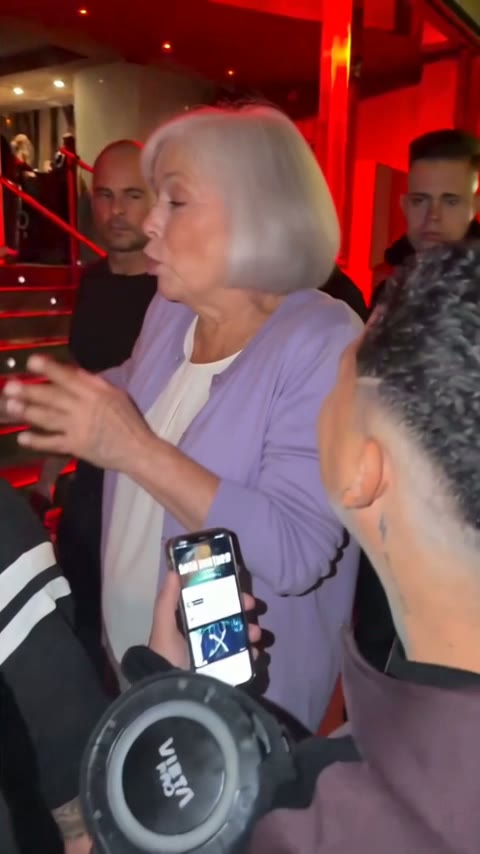
Your photo takes the rapper's place
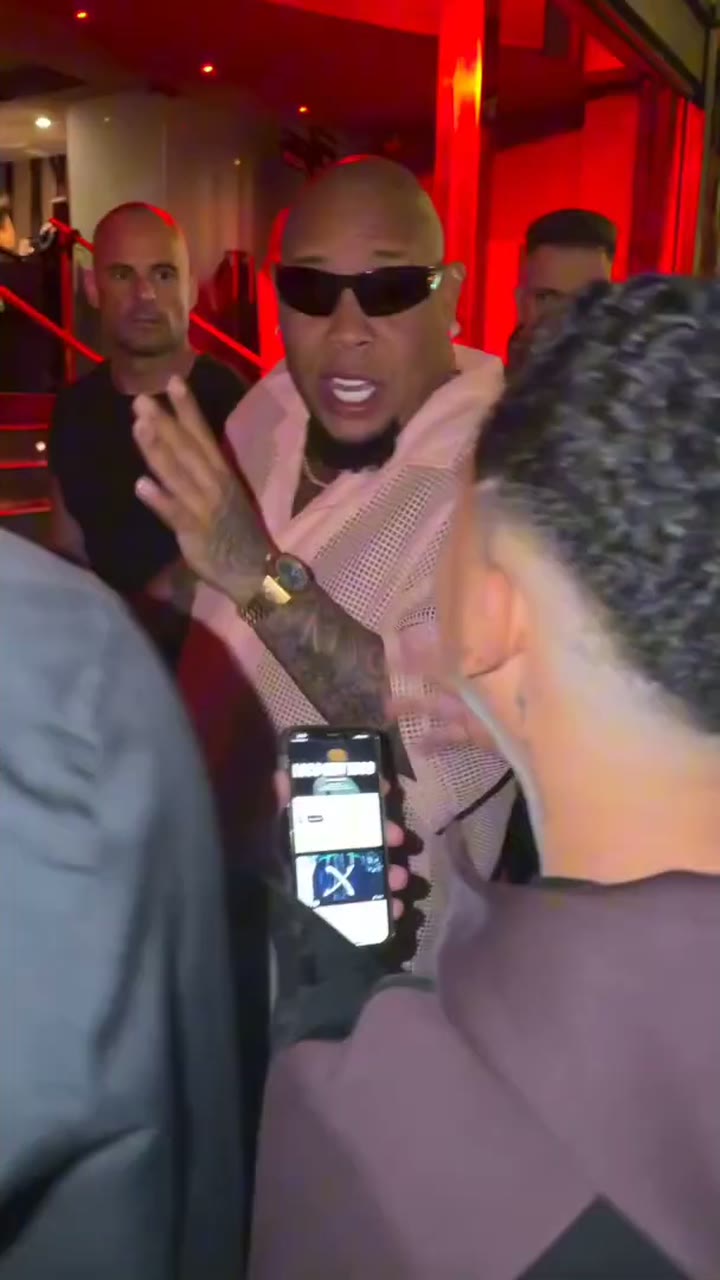
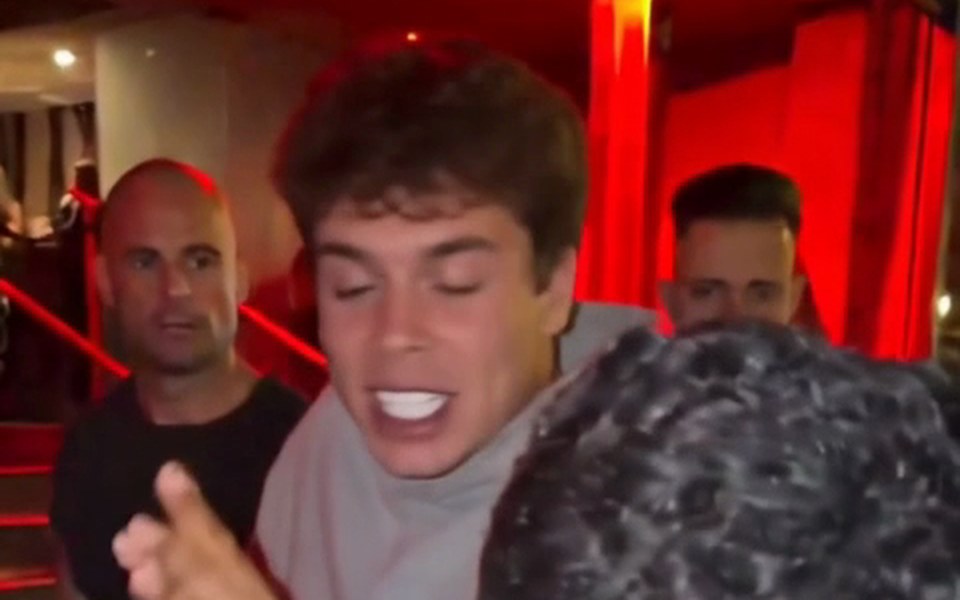
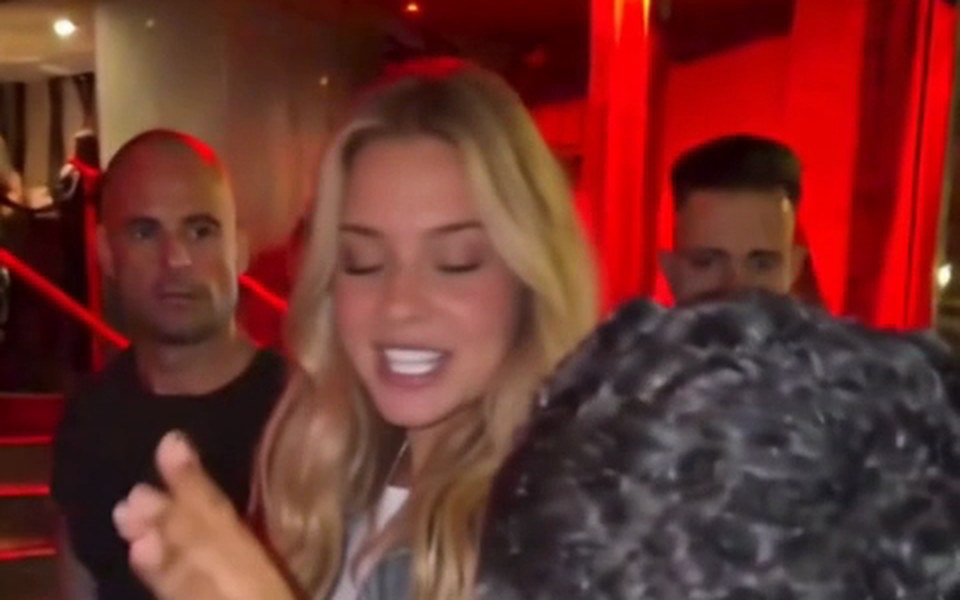
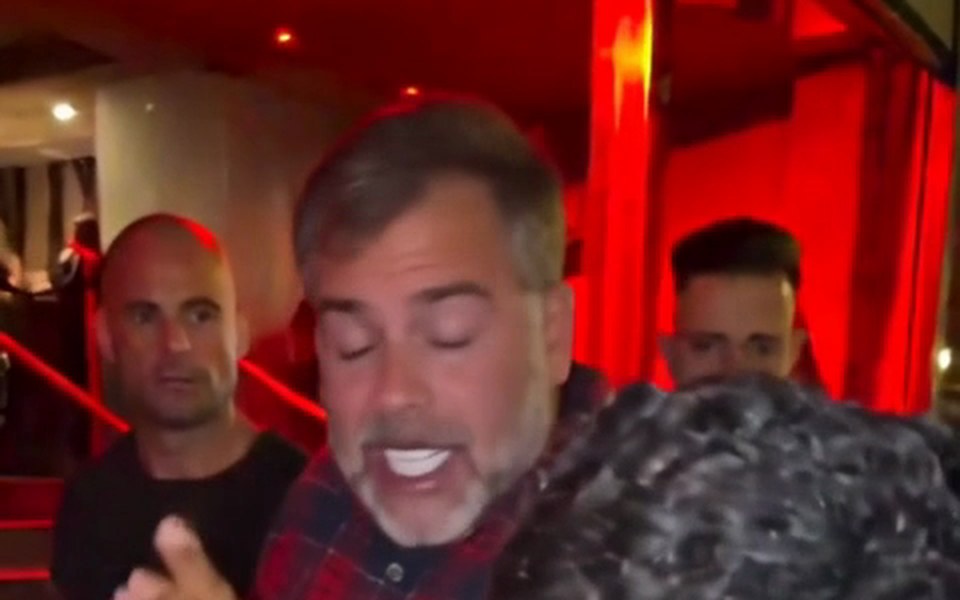
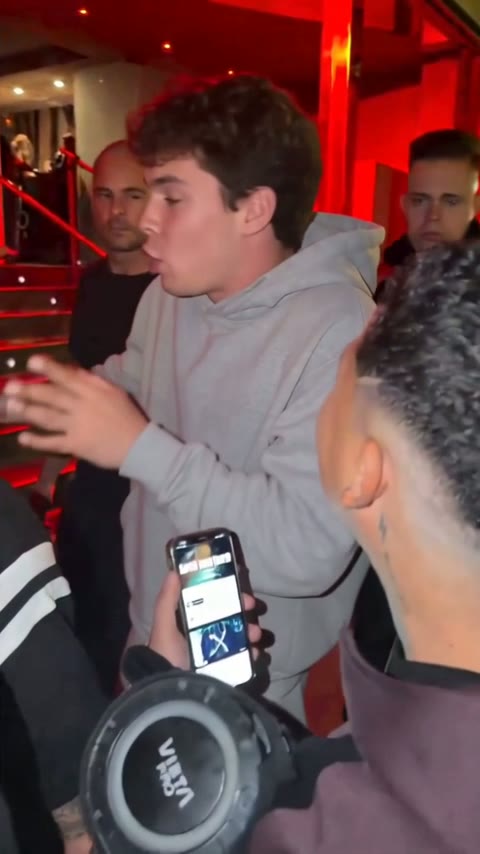
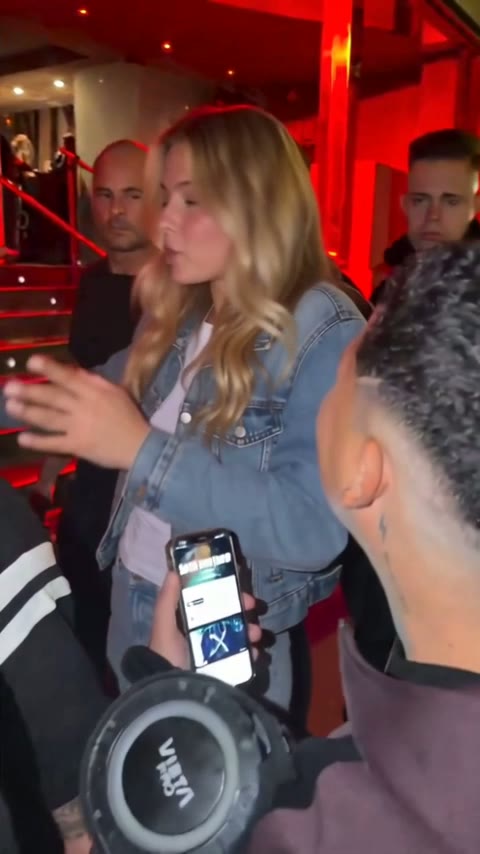
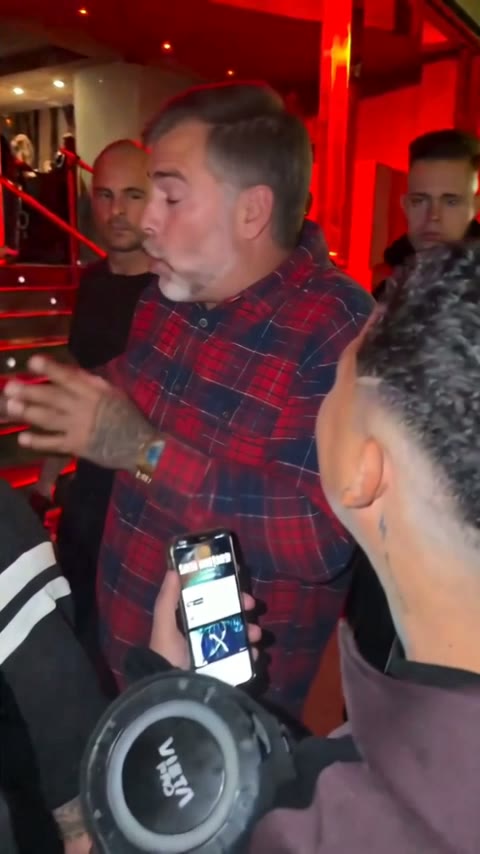
The AI works on the real footage and changes one person only. Kevin Wai keeps holding up his speaker and phone, the crowd and the red-lit doorway stay, the camera still shakes the same way, and your face copies every gesture, head turn and mouth movement of the performance.
The freestyle audio comes built in
Each finished video plays with the original sound, so your followers hear the exact clip they recognise. You never import a track or line anything up by hand.
Three lengths, two qualities
Take the 5-second opening, the 15-second cut that begins as Bulin 47 faces the lens, or 30 seconds covering nearly all of it. Standard (480p) suits phones; HD (720p) is crisper on a laptop or TV, though the 5-second option exists in Standard alone.
From one photo to a finished video in three steps
Compared with a Higgsfield Bulin 47 workflow, there is nothing to download first and nothing to type. For a longer walkthrough with posting advice, read how to make Bulin 47 AI video from start to finish.
Pick and upload a photo
One person, face clear and bright. Waist-up with both hands showing is ideal, because the AI copies hands and wrists too. Use yourself, or a friend who said yes.
Set length and quality
Choose 5, 15 or 30 seconds, then Standard 480p or HD 720p. The credit cost for that choice shows before you press Generate.
Save and share the MP4
Expect roughly 5 to 10 minutes of rendering. The download is a vertical MP4, sound included, ready for TikTok, Reels or Shorts.
Higgsfield Bulin 47 vs Bulin 47 AI Video: six differences
Practical gaps between a general platform and a tool built around one freestyle. If you edit mostly on your phone, the Bulin 47 CapCut page covers the template side.
The footage is already here
No hunting for a usable download of the Madrid video. The generator already holds the part people know, trimmed and ready.
No prompt to write
In a Higgsfield Bulin 47 project the prompt drives the swap. Ours is set once for this clip and hidden, so there is no text box at all.
The scene stays put
Prompt-based tools rebuild the scene from words, so the crowd, the framing and the moves can drift. Editing the original keeps all of that and changes only the rapper.
Models on Kling and Higgsfield AI
Choosing among video models is useful when you work on many kinds of projects. For this freestyle that choice is made for you, leaving only length and quality.
Costs counted in videos
Plans count Standard videos. HD at 15 seconds equals 3 of them, and so does Standard at 30 seconds; HD at 30 seconds equals 6, while the 5-second clip takes 35 credits. Current plans sit on Bulin 47 AI Video pricing.
Pay for results only
Credits come back whenever a render breaks or gets filtered. The filter refuses celebrities and public figures, so stick to your own face or a friend's.
More ways people make the meme
Templates, prompts and a full guide, beyond the platform route.
Higgsfield Bulin 47 or a one-photo tool: side by side
Only points we can state fairly about a Higgsfield Bulin 47 workflow appear here. Higgsfield and Kling publish their own plans, models and settings; check those directly.
| Bulin 47 AI Videoone photo, no prompt | Higgsfield or Klinggeneral AI video platform | |
|---|---|---|
| Made for this freestyle | One project among many | |
| Reference footage | Already loaded | You supply it |
| Prompt | Not needed | Written by you |
| Original sound | Plays in every video | Depends on your upload |
| Video model | Chosen for you | Your pick |
| Lengths | 5, 15 or 30 s | Set in your project |
| Format | Vertical 9:16 MP4 | Set in your project |
| Before paying | Watch the sample videos | Check their plans |
| Runs in | Any browser, no app | Their own platform |
| Failed render charged | See their terms |
Higgsfield Bulin 47 FAQ
What does Higgsfield Bulin 47 mean?
Higgsfield Bulin 47 is the label for versions of the freestyle meme made on Higgsfield, a general AI video platform. The creator uploads Kevin Wai's clip as the reference, writes a prompt and picks a model, so a new person ends up where the rapper stood. Bulin 47 AI Video reaches the same kind of result from one photo.
Can I make a Higgsfield Bulin 47 video for free?
Higgsfield lists its own plans on its site, so check there. Bulin 47 AI Video has no free trial and no free credits, since every render uses real compute. Watch the sample videos first; if a render fails or gets filtered, the credits return to your balance.
How do people make Bulin 47 videos with Kling?
Usually the same way as a Higgsfield Bulin 47 edit: a reference copy of the freestyle, a picture of the new person and a written description of the swap, then a model choice and a render paid in that platform's credits. Options change often, so Kling's own help pages are the best guide.
Is there an easier way than a Higgsfield Bulin 47 project?
For this one freestyle, yes: a dedicated tool. You give Bulin 47 AI Video one photo, pick how long and how sharp, and get back a vertical MP4 with the freestyle audio after roughly 5 to 10 minutes, from any phone or desktop browser. General platforms pay off when you plan many different videos.
Will my video keep the original freestyle sound?
Yes. The freestyle audio is baked into the preloaded cut, so every result sounds like the clip people already know, with no file to hunt down or sync. Download it and it is ready for TikTok, Reels and Shorts, in vertical 9:16 with no extra editing.
What photo should I upload?
One person, face fully visible and lit from the front. Waist-up with both hands in view works best, because the AI copies hands and wrists as well. Use yourself or a friend who agreed; celebrities and public figures are refused. Pets and cartoon characters can work, but people work best.
Is Bulin 47 AI Video connected to Higgsfield or to Bulin 47?
No. Bulin 47 AI Video is a fan-made project run independently, with no affiliation to Bulin 47, Kevin Wai or their labels. It has no tie to Higgsfield, Kling or Dreamina either; we name them because many people look them up while trying to join the trend.
Skip the Higgsfield Bulin 47 setup
Bring a photo; the clip, the sound and the vertical export are handled in about 5 to 10 minutes. Broken renders are never charged.