
Start the Bulin 47 AI app right here
A failed render costs you nothing.

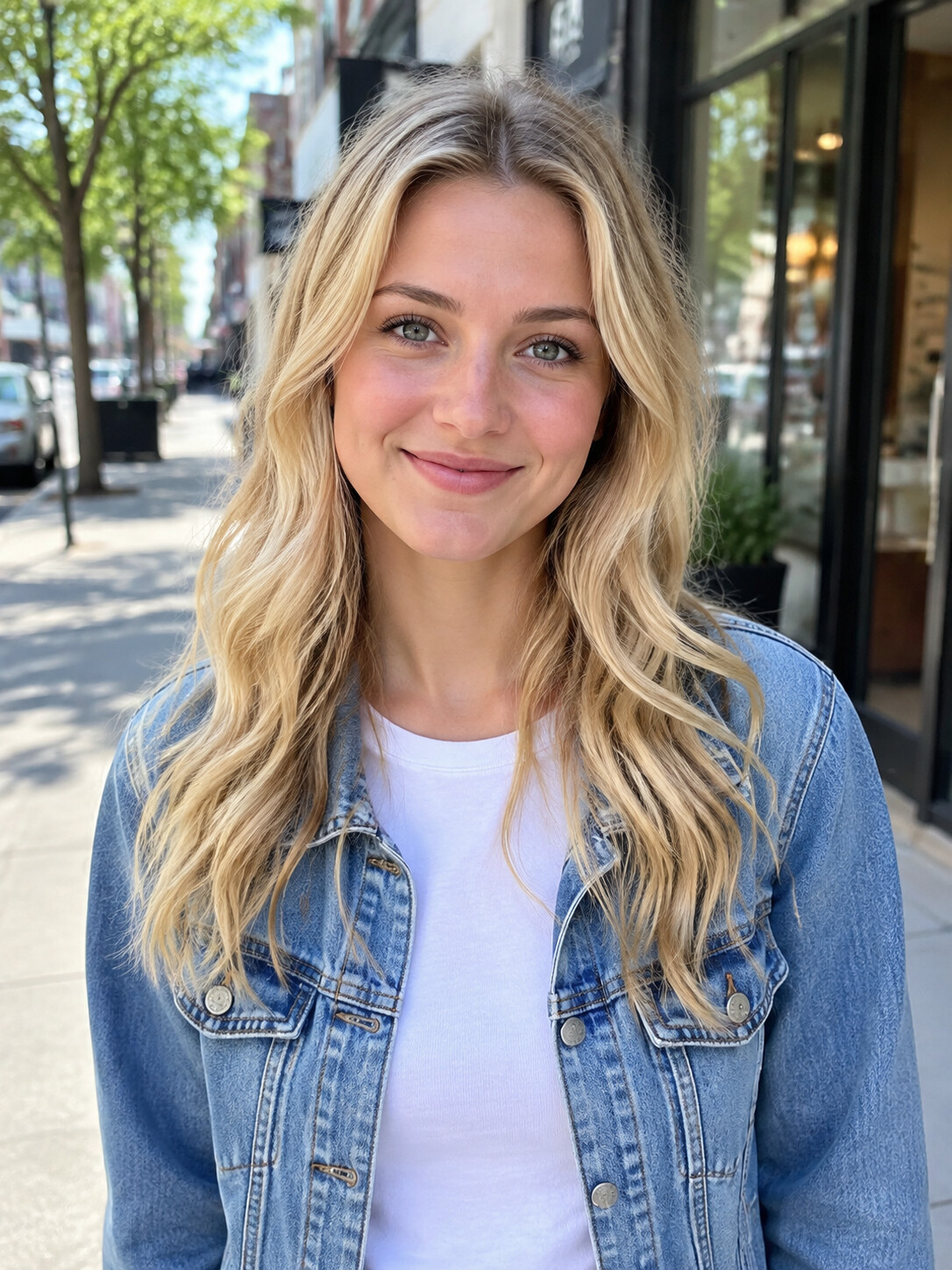
Add a photo, pick a length, then press Generate.
A Bulin 47 AI app without the app store
The Bulin 47 AI app is a web page, which means no store listing, no install and no updates to wait for. Every step the video needs works inside a phone browser: choosing a photo, sending it off, waiting for the render and saving the MP4. It is the same Bulin 47 AI Video generator you would use on a laptop, arranged for a smaller screen.
- No downloadNothing to install and no storage used. You only choose one photo from your phone when it is time to upload.
- On iPhoneSafari, Chrome or any other iPhone browser will do. Pick a picture from Photos or take a fresh one with the camera.
- On AndroidChrome, Samsung Internet or another Android browser works the same way. Upload from your gallery and download the MP4 back to the phone.
The Bulin 47 AI app on a phone, start to finish
From picking a photo to posting the clip, nothing here needs a computer. Prefer one walkthrough that fits every device? Follow how to make Bulin 47 AI video instead.
First: load the page, hear a sample
Type bulin47aivideo.com into your browser and sign in. Play one of the sample videos with the volume up first, so you know how a finished clip looks and sounds before you choose a plan.
Second: choose or shoot your photo
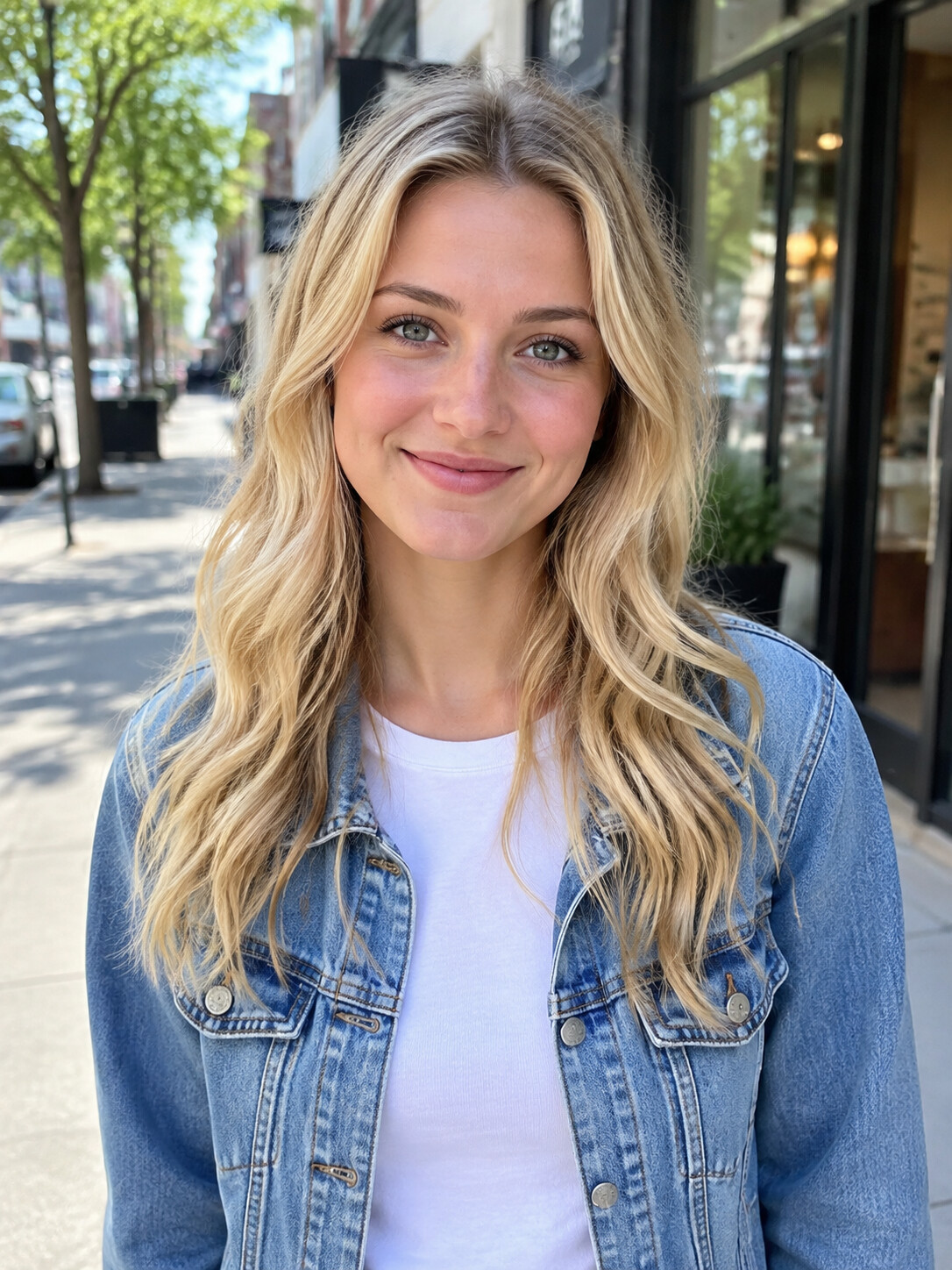
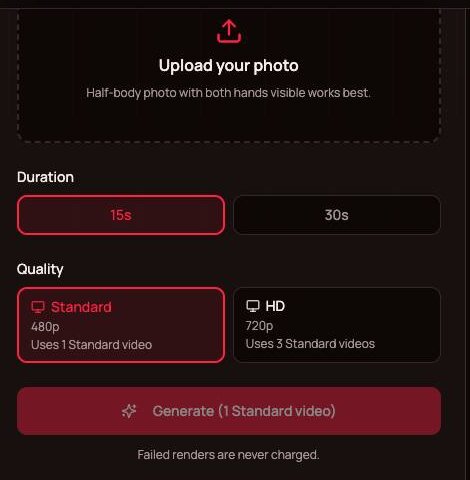
Tap the upload box and select a single-person picture where the face is clear and lit from the front. Nothing good in your gallery? Stand facing a window and have someone take a half-body shot with both of your hands visible. Last, set the length and the quality.
Third: send it to your camera roll
The render runs on our servers, so your battery is spared during the roughly 5 to 10 minute wait. Tap download when it is done. Depending on the browser, the MP4 lands in your gallery or in Downloads or Files, from where you can save it to Photos and post it.
Bulin 47 AI app vs other ways to make it on a phone
Most people make this trend on a phone, and three routes come up again and again. For the editing-app side in detail, read Bulin 47 CapCut.
CapCut templates
Creators publish trend templates inside the CapCut app. Quality changes from one template to another, and most lay a face over the rapper or cut one out rather than replacing the full body.
General AI video apps
Higgsfield, Dreamina and Kling are broad AI video platforms. You supply a reference clip and a prompt, select a model and spend that platform's credits.
This browser tool
Footage and audio are waiting on the server. Upload one photo, skip prompts and editing, and the full rapper is swapped for you.
Phone habits for a sharper result
Small things you can fix with the phone already in your hand. Curious what exactly is preloaded in the scene? The Bulin 47 template page lists it.
Clean the lens
A fingerprint smudge softens the whole face. Wipe the lens and keep still while the photo is taken.
Light from the front
Face a window or a lamp. A bright sky behind you turns your face into a silhouette.
Keep both hands in frame
Shoot from the waist up. The AI copies hands and wrists from your photo, so hidden hands have to be guessed.
Do other things while it renders
The work is not happening on your phone, so you can text or scroll and return to the page to download.
Check it with sound on
Play the finished clip to the end, speaker on, before it goes public.
Ask before you cast
Upload yourself, or a friend who said it was fine. Celebrity and public-figure photos get blocked.
More guides
Step-by-step help, what costs nothing, and what the scene includes.


Bulin 47 AI app FAQ
Do I need to download a Bulin 47 AI app?
No. Bulin 47 AI Video has nothing to install; it runs in Safari, Chrome and other mobile browsers. You get the same result an installed app would give, without using storage or waiting for updates. Open bulin47aivideo.com on your phone, sign in and upload a photo to begin.
Does the Bulin 47 AI app work on iPhone?
Yes. Safari works, and so do Chrome and the other iPhone browsers. Pull a picture from your library or take one on the spot, set length and quality, then give it roughly 5 to 10 minutes. The finished MP4 can go to TikTok, Instagram or YouTube the same way as anything you shot yourself.
Does it work on Android phones?
Yes. Chrome, Samsung Internet and other Android browsers handle every step: uploading from your gallery, picking a length and a quality, and downloading the vertical MP4 when it is ready. There is no APK to sideload and nothing to keep updated.
How do I save the video to my camera roll?
Tap the download button once the render is finished. Some browsers save the MP4 straight to your gallery; others put it in Downloads or the Files app first, and from there you can share it to Photos. After that it posts like any other video on your phone.
Is the Bulin 47 AI app free?
No. Each video takes real compute, so there is neither a trial nor starter credits. Samples are free to watch, and you pay nothing for a render that fails or is filtered. The Bulin 47 AI free page covers what you can look at without paying and the least expensive way to a first video.
Can I close the browser while it renders?
Yes. Rendering for the Bulin 47 AI app happens on our servers, not on your phone, so you can switch apps or lock the screen. Come back to the page afterwards to download the result. Plan on about 5 to 10 minutes; at busy times it can run over.
Do plans cost more on mobile?
No, plans are identical on every device. Monthly and yearly subscriptions count Standard videos, and one-time credit packs suit a single clip. Counted in Standard videos, 30 seconds at 480p takes 3, 15 seconds in HD also 3, and 30 seconds in HD 6. The current options are on Bulin 47 AI Video pricing.
Is the Bulin 47 AI app official?
No. Bulin 47 AI Video is a fan-made, independent tool with no ties to Bulin 47, Kevin Wai or their labels. It lets fans drop their own photo into the meme. The two artists' joint release is the song "Dame Hombro", out since 8 October 2026; our videos use the freestyle's sound instead.
Open the Bulin 47 AI app in your browser
One photo from your camera roll, a short wait, and the freestyle is yours to post. Watch the samples, then make your own.